


Free AI Worksheet Generator
Generate worksheets that fit the lesson — not lessons that fit the worksheet.




Browse Through More Worksheet Templates
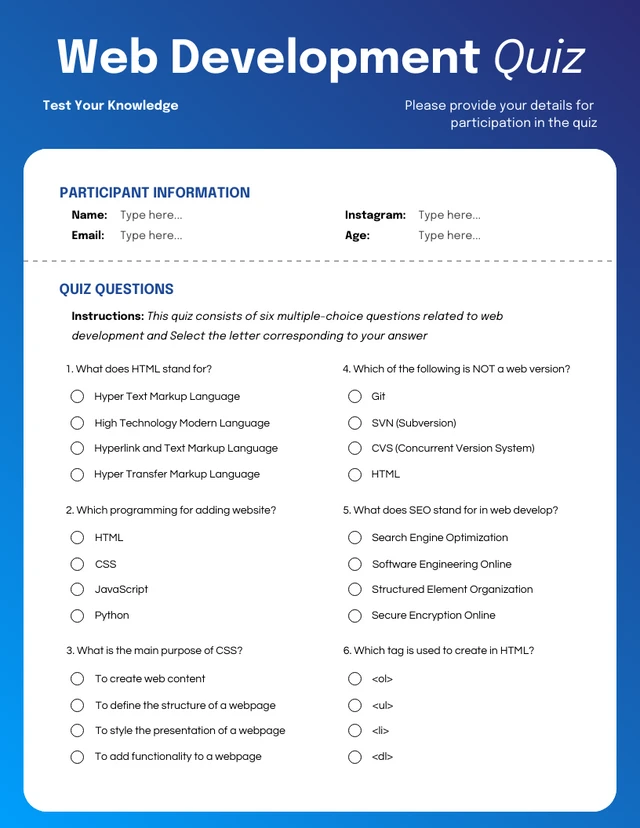
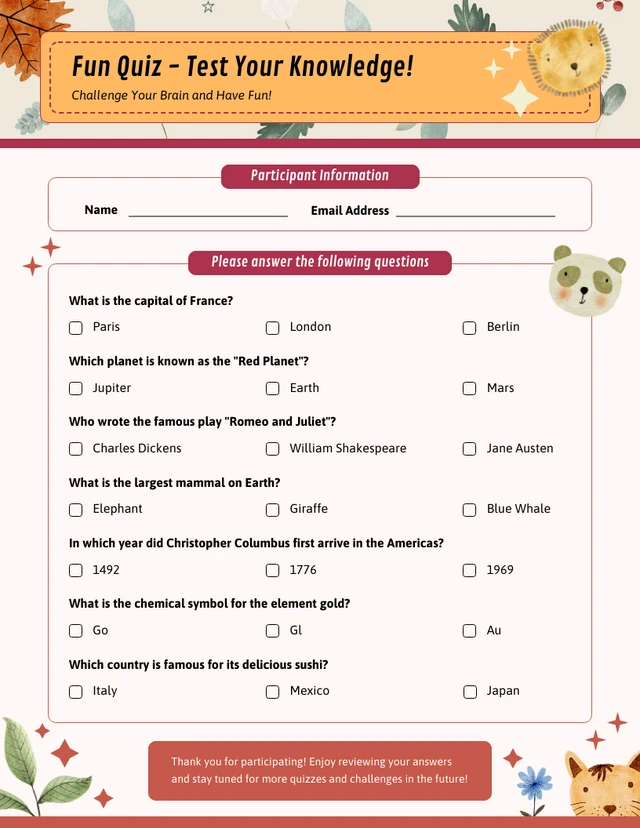
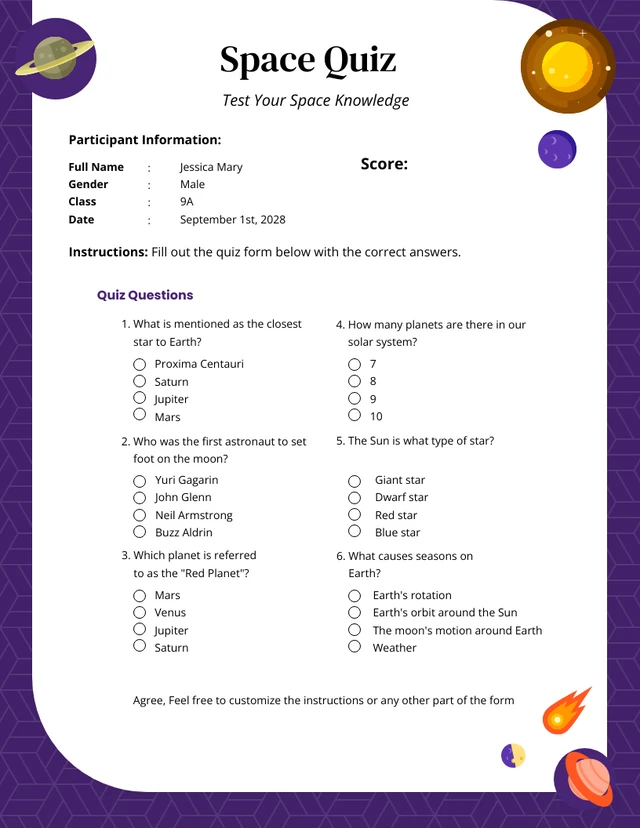
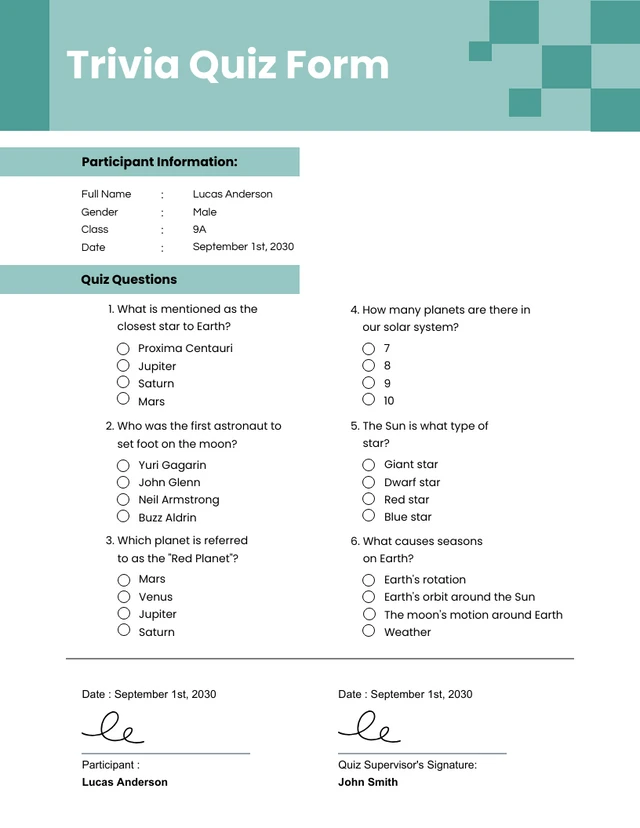
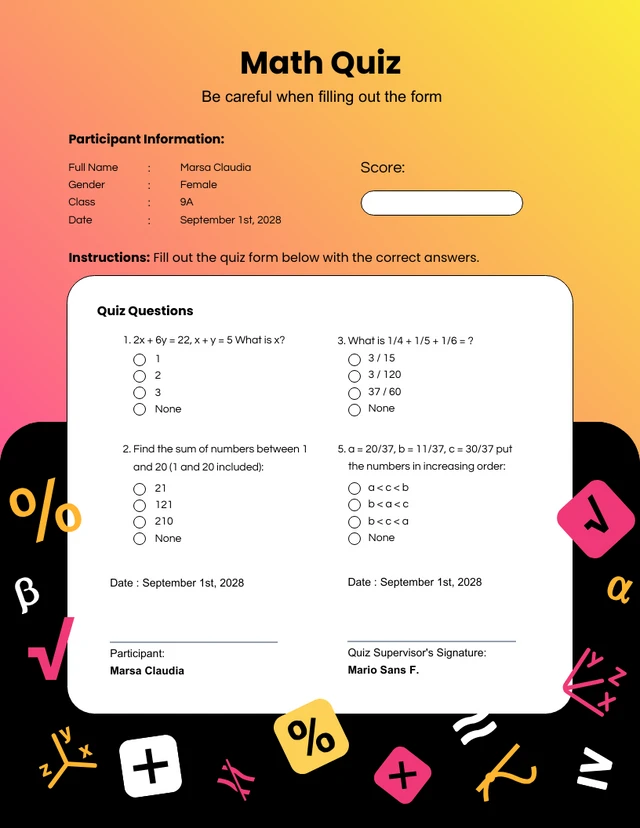
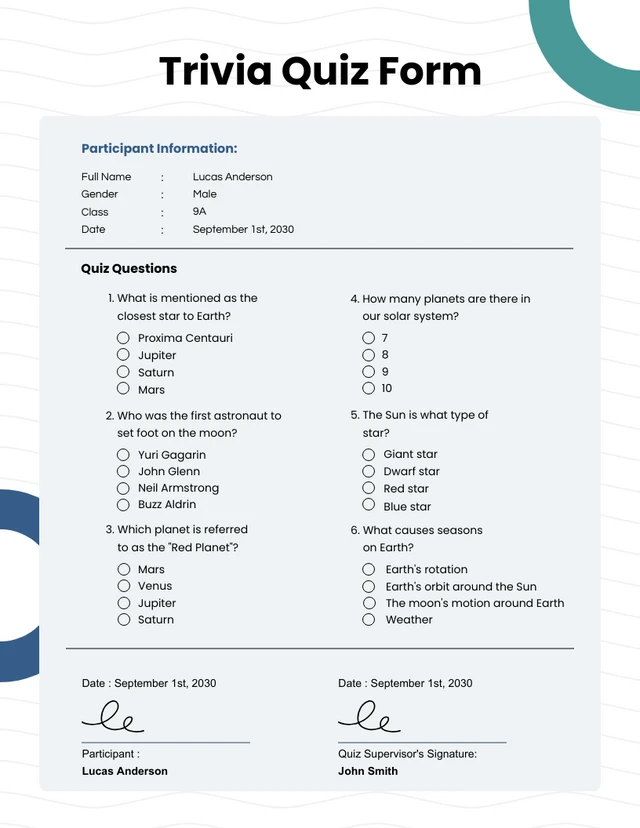
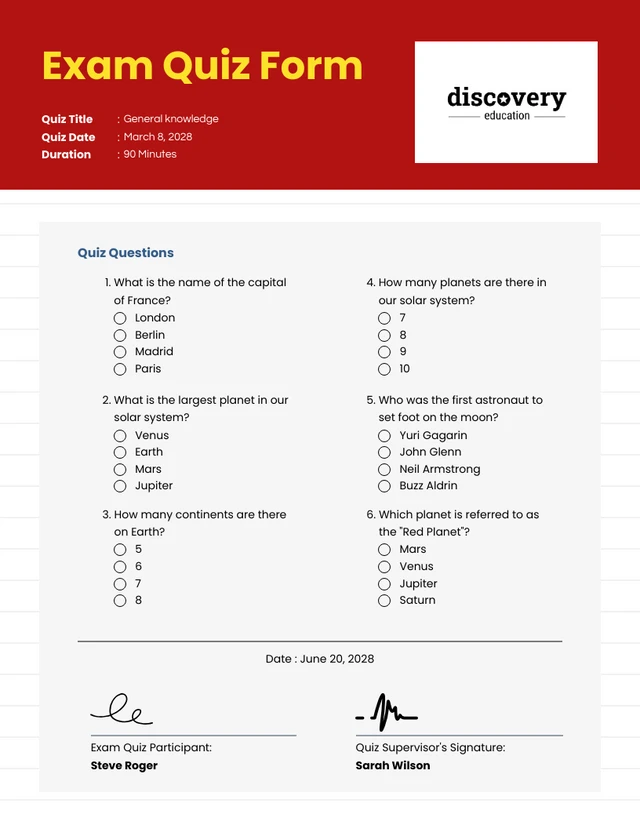
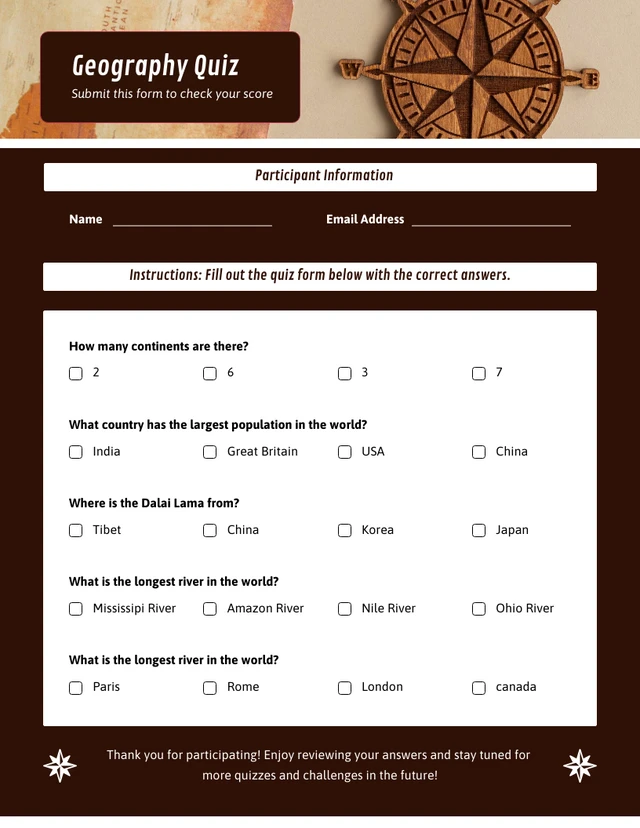
Popular AI Design Generators

Sample Prompts You Can Modify and Use
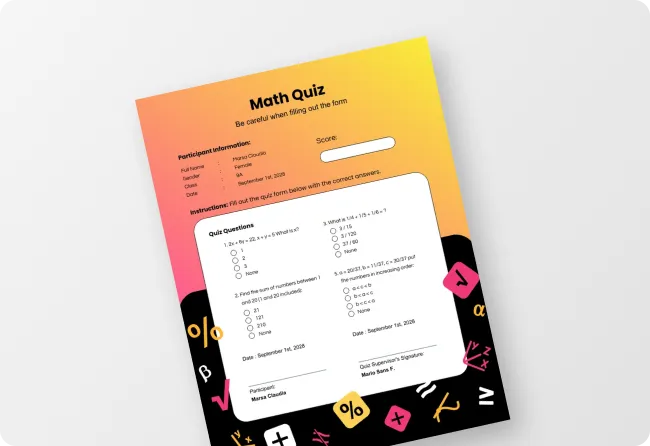
“My Year 1 class just learned two-digit addition and half of them are still counting on their fingers. Create a printable math worksheet with 10 addition and subtraction problems that start simple and get harder — include a number line at the bottom as a visual aid.”
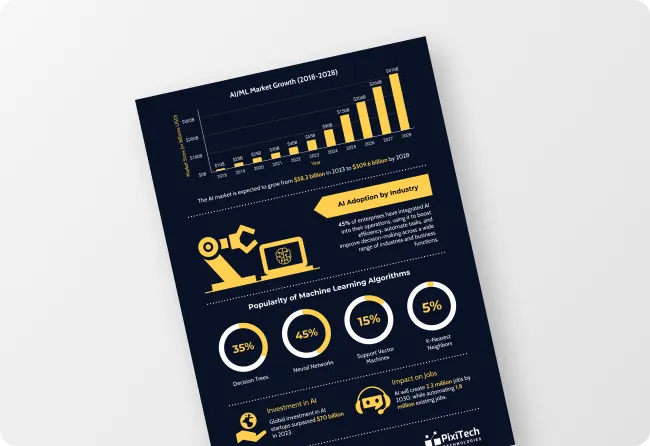
“A CSV file with real weather data collected over 30 days is uploaded. Turn this into a printable data handling worksheet for a Year 6 class. Include five questions asking students to read and interpret the data, a dot plot or bar chart to complete using the values, and two problem-solving questions using the data set.”
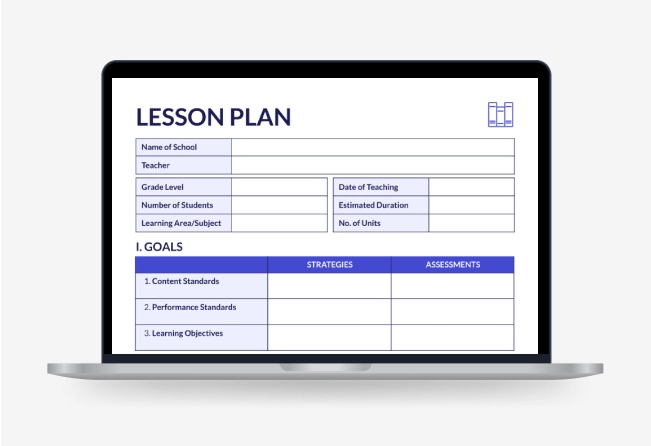
“As an ESL teacher preparing intermediate adult learners for IELTS, create a printable vocabulary worksheet covering ten academic words. Include a gap-fill exercise, a matching definition task, and a short writing task using three words in context.”
“The short story for next week's Year 5 English lesson is uploaded. Turn it into a printable reading comprehension worksheet with five literal questions, three inference questions, one vocabulary task picking out unfamiliar words, and a creative response question at the end.”
How to Create Worksheets Using AI
Step 1
Describe Your Worksheet or Upload Your File in Venngage
Type the subject, grade level, learning objective, and any specific skills you want the worksheet to cover or upload an existing lesson plan, textbook chapter, PDF, or student assessment.
Step 2
Generate Your Worksheet
Click generate and Venngage's AI Worksheet generator produces a complete, fully formatted printable worksheet — questions, exercises, diagrams, and instructions — organized by difficulty and matched to the grade level and subject instantly.
Step 3
Differentiate With the AI Writing Assistant
Use the AI Writing Assistant to create multiple versions of the same worksheet at different difficulty levels — foundation, core, and extension — without rebuilding the layout. Add a worked example, simplify instructions for struggling learners, or add a challenge question for early finishers in seconds.
Step 4
Design Your Worksheet With the AI Designer
The AI Designer helps adjust the layout, increase font size for younger learners, add color coding by section, and include diagrams, number lines, or visual aids. Use the drag-and-drop editor to resize answer spaces and update typography until the worksheet is classroom-ready.
Step 5
Export and Distribute Your Worksheet
Download as a printable PDF for physical classroom distribution, or share via a private Venngage link for digital access on any device. Use the Brand Kit to apply consistent fonts and visual identity across every worksheet for every subject and year group.
Make Worksheets That Actually Match the Lesson as a Teacher
Thirty minutes searching for a worksheet that's almost right, then twenty more adapting it. With Venngage’s AI Worksheet Generator, just describe the topic, year group, and learning objective and get a fully formatted, printable worksheet built for this lesson.
Use the AI Writing Assistant to create foundation, core, and extension versions without rebuilding the layout, then share via a private link or download as a printable PDF.
Generate Worksheets