


Free AI Realtor Marketing Materials Generator
Design professional realtor marketing materials tailored to your listings, brand, and audience in minutes.




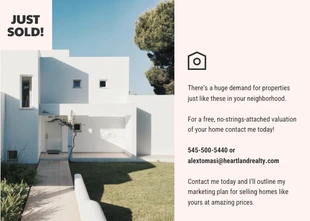
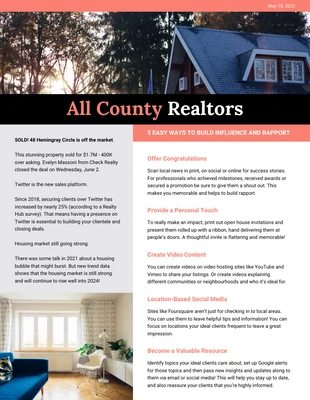
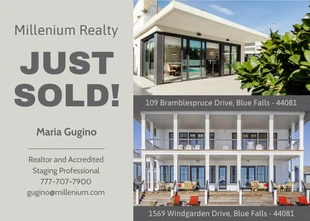
Browse Through More Realtor Marketing Templates

Popular AI Design Generators

Sample Prompts You Can Modify and Use
“Create a premium property brochure for a luxury home listing. Highlight architectural details, lifestyle features, neighborhood advantages, high-quality visuals, and property information in an elegant editorial-style layout.”
“Create a seller preparation checklist that helps homeowners get ready before listing their property. Include staging tips, repair reminders, photography preparation, timeline steps, and realtor recommendations.”
“Design a neighborhood market report for buyers and sellers in Austin, Texas. Highlight current housing trends, median home prices, inventory levels, days on market, recent property sales, and year-over-year market changes.”
“Design a monthly realtor newsletter for past clients, buyers, sellers, and prospects. Include sections for local market updates, home maintenance tips, community highlights, featured listings, recently sold properties, and real estate advice.”
How to Create Realtor Marketing Materials Using AI
Step 1
Enter Your Realtor Marketing Material Details
Describe what you want to create, whether it’s a listing presentation, buyer guide, newsletter, or a property brochure. Add your content, agent information, and other relevant details.
Step 2
Generate Your Realtor Marketing Design
Click generate. Venngage AI turns your prompt into a complete realtor marketing design, bringing together the right layout, visuals, and content for your campaign.
Step 3
Customize Your Content and Visuals
Edit the text, update property details, customize images, and refine your messaging with AI-powered tools. Tailor every section to match your audience, purpose, and real estate brand.
Step 4
Apply Your Realtor Branding
Use Brand Kit to apply your logo, colors, and fonts across your designs. Keep your listing presentations, market reports, client guides, and other resources consistent.
Step 5
Download Your Real Estate Marketing Materials
Export your completed designs as PDFs, images, or presentations for client meetings, listing appointments, buyer resources, newsletters, and property discussions.
Create Client-Ready Materials as a Realtor
The same brochure or presentation won't work for every client. Buyers, sellers, and investors all look for different information before making a decision.
Venngage makes it easy to tailor realtor marketing materials. Generate presentations, brochures, flyers, and guides from a simple prompt, then customize the AI-generated design for every client and listing.
Generate Realtor Marketing Designs