


Free AI Real Estate Social Media Generator
Generate real estate social media posts, ads, and listing visuals from simple text prompts.




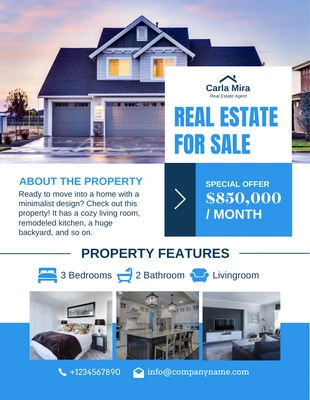
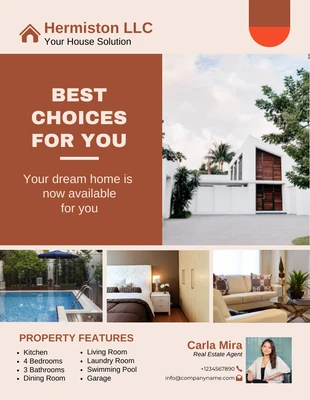
Browse Through More Real Estate Social Media Templates



Popular AI Design Generators

Sample Prompts You Can Modify and Use
“Design a ‘Just Listed’ Instagram post for a downtown Toronto condo targeting young professionals. Highlight the skyline view, walkability, nearby transit, and building amenities using a clean, modern real estate design.”
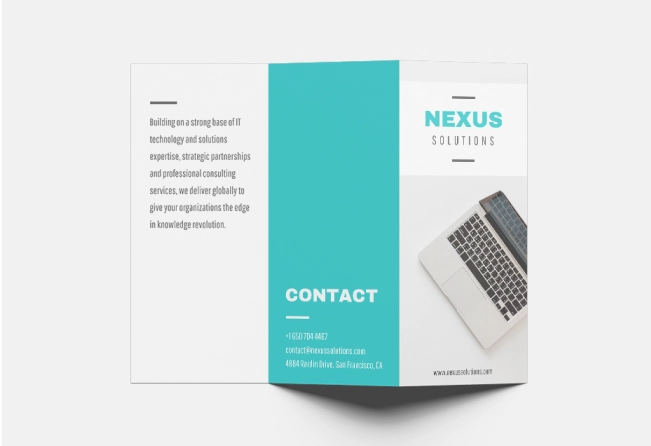
“Create a luxury real estate flyer for a 4-bedroom waterfront villa in Miami. Include the property price, key amenities, modern typography, agent contact details, and a final slide inviting buyers to book a private showing.”
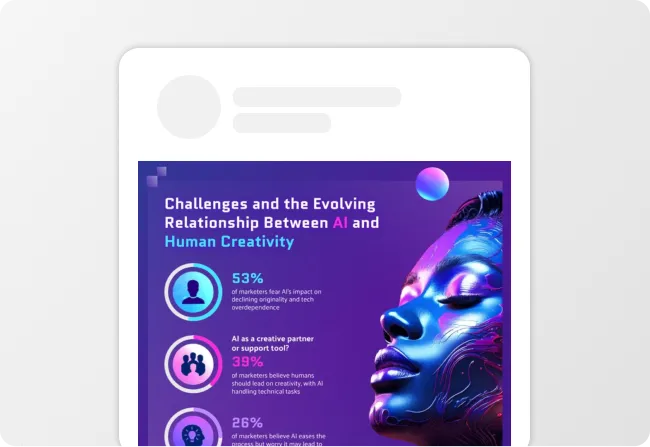
“Design a first-time homebuyer tips infographic for social media with sections on down payments, mortgage pre-approval, hidden costs, and closing timelines using approachable visuals and clean layouts.”
“Create a real estate checklist post for home buyers preparing for a property visit. Include clear checklist points, simple icons, clean layout, and a final section encouraging users to save the post or contact an agent.”
How to Create Real Estate Social Media Posts Using AI
Step 1
Enter Your Listing Details or Content Idea
Start with the type of real estate post you want to create. Add your property details, neighborhood, target audience, and key selling points. You can also paste a property description or upload marketing material to create a social media graphic.
Step 2
Generate Branded Real Estate Social Media Designs
Click generate and Venngage transforms your input into ready-to-use real estate social media posts with structured layouts, readable typography, and clear visual hierarchy.
Step 3
Refine the Copy and Visuals
Use the AI Writing Assistant to refine your headline, tighten your value proposition, and rewrite sections. Add your own property photos, choose stock images, or generate custom visuals with AI.
Step 4
Apply Your Brand Style and Resize for Every Platform
Use the Brand Kit to automatically apply your brokerage logo, fonts, and colors across every design in one click. Resize the same post for Instagram, Facebook, LinkedIn, Stories, or TikTok covers.
Step 5
Export Your Design in a Suitable Format
Download your real estate social media posts as PNG or PNG HD files for Instagram, Facebook, and LinkedIn. Export PDFs for printable flyers, brochures, open house materials, and other marketing assets.
Design Listing Posts That Attract Buyers as a Real Estate Agent
Between showings, negotiations, and client follow-ups, creating social media content often falls to the bottom of the list. Venngage helps you generate listing posts, open house announcements, market updates, and property highlights from simple text prompts.
Customize each post with property photos, details, and branding to create professional real estate content that keeps your listings visible across Instagram, Facebook, and LinkedIn.
Generate Real Estate Social Posts