


Free AI Real Estate Marketing Tools Generator
Create branded real estate marketing materials for every listing, open house, and campaign in minutes with AI.




Browse Through More Real Estate Marketing Tools Templates

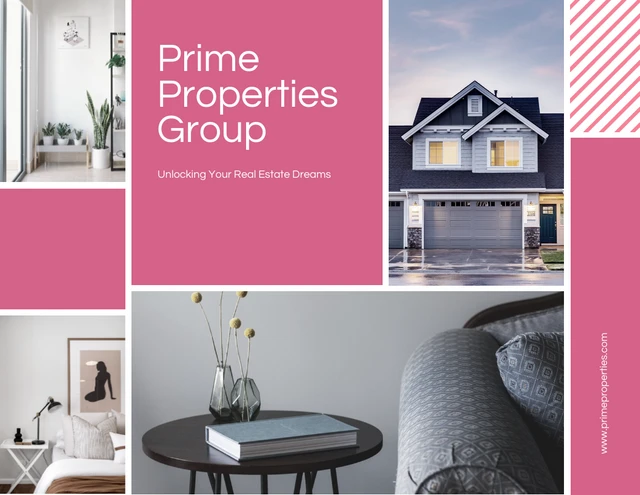


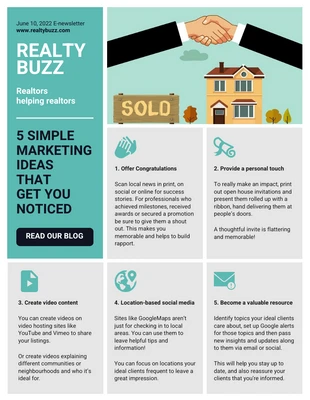
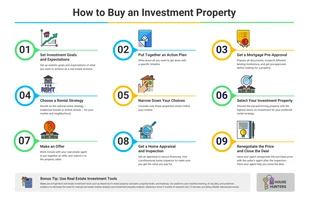
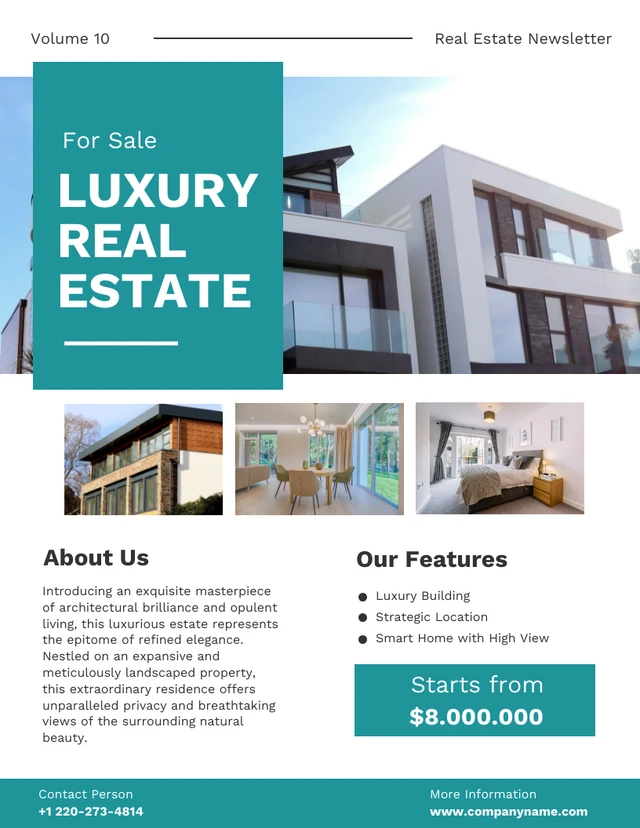
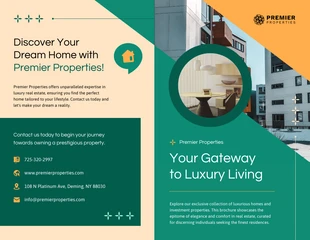
More Real Estate Marketing Tools
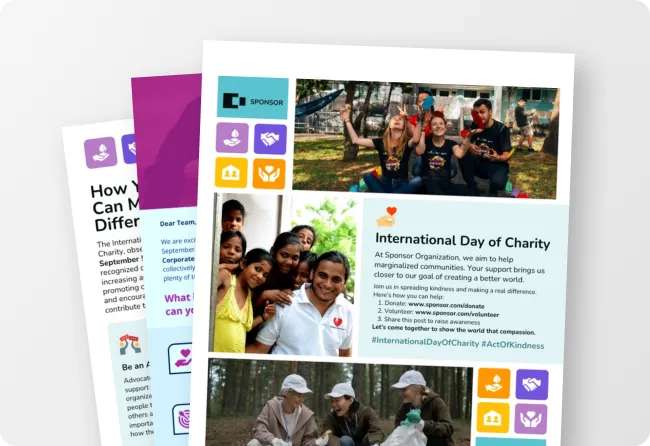
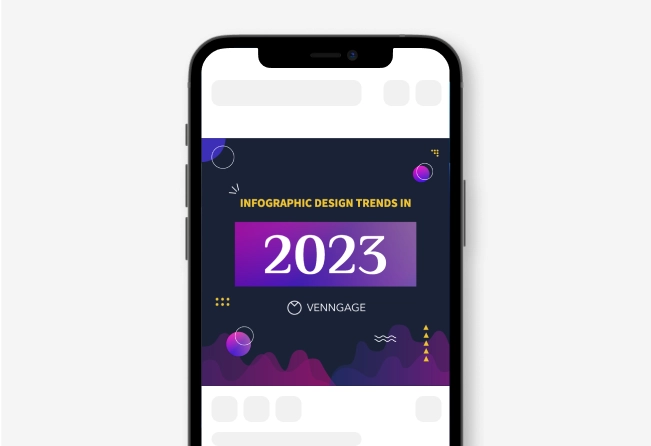
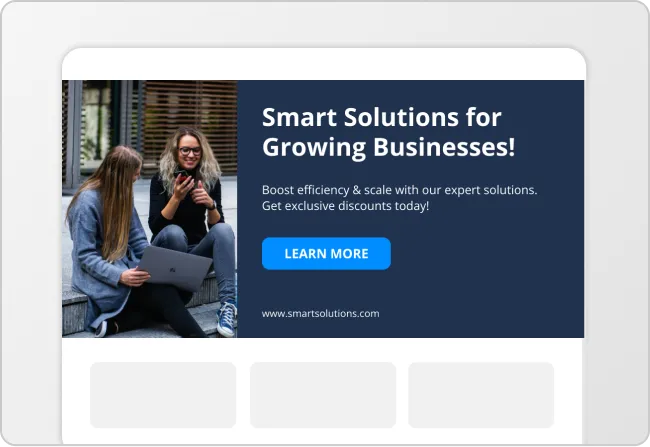
Sample Prompts You Can Modify and Use
“Create a trifold real estate brochure for a luxury waterfront condo with ocean-view photos, a rooftop infinity pool section, floor plan previews, pricing tiers starting at $1.2M, and a final panel with agent contact details and a QR code for private tours.”
“Design a landscape seller presentation for a real estate agent pitching a 5-bedroom suburban home seller. Include slides for neighborhood market trends, staging recommendations, recent comparable sales, marketing strategy, and projected listing timelines.”
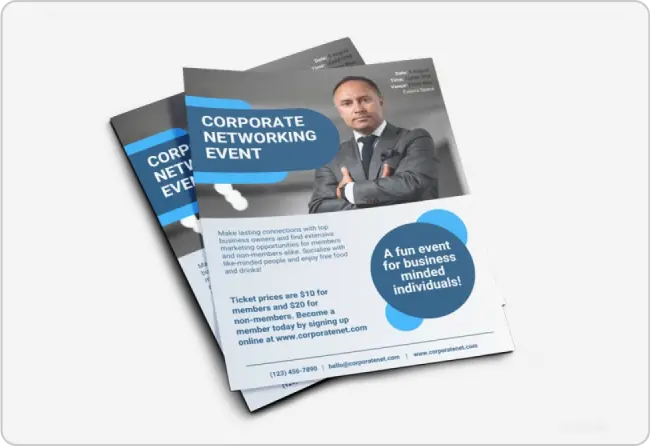
“Create a portrait open house flyer for a newly renovated farmhouse featuring before-and-after kitchen photos, event details for Saturday from 1–4 PM, smart home upgrades, nearby school ratings, and a tear-off contact section.”
“Design a first-time homebuyer guide ebook with illustrated sections covering mortgage pre-approval, down payment savings, closing costs, inspection checklists, and a month-by-month home buying timeline.”
How to Create Real Estate Marketing Tools Using AI
Step 1
Describe What Material You Want to Create
Add a prompt for the material you're creating, like a listing flyer, seller presentation, or market report. Include your property details, pricing, and audience to get a tailored design.
Step 2
Generate a Real Estate Marketing Design
Click generate to get a polished real estate marketing design with property photos, listing details, pricing, and call-to-action.
Step 3
Customize the Design
Start by uploading your listing photos, floor plans, headshots, and logo. Then customize the copy, colors, and fonts, and layer in charts or market data where it's relevant.
Step 4
Add Your Real Estate Branding
Use the Brand Kit to automatically apply your brokerage logo, fonts, and brand colors across all real estate marketing materials.
Step 5
Download or Share the Design
Download your design as a PDF for print, a PowerPoint for listing presentations, or share it with a private link for quick review.
Create Listing Marketing Materials as a Real Estate Agent
Between client meetings, showings, and negotiations, there's rarely time to build flyers, open house materials, and postcards from scratch for every listing.
Venngage's AI Real Estate Marketing Tools Generator turns your listing details into a polished design in minutes. Start with an AI-generated layout, then customize it with your listing photos, branding, and property details.
Generate Real Estate Marketing Tools