


Free AI Online Portfolio Generator
Create professional online portfolios for design, writing, photography, and personal branding using AI.




Browse Through More Online Portfolio Templates
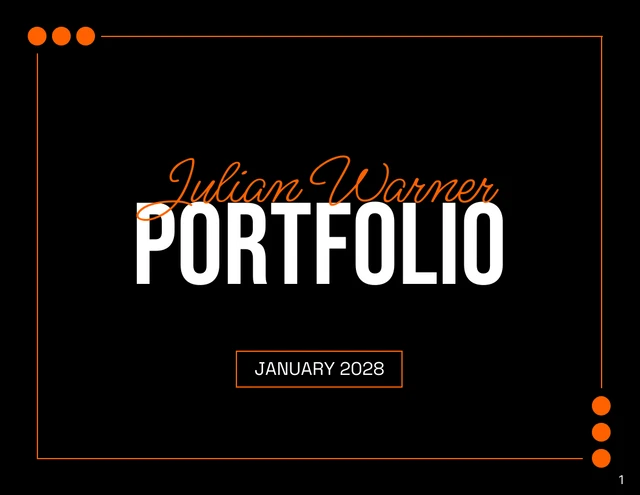
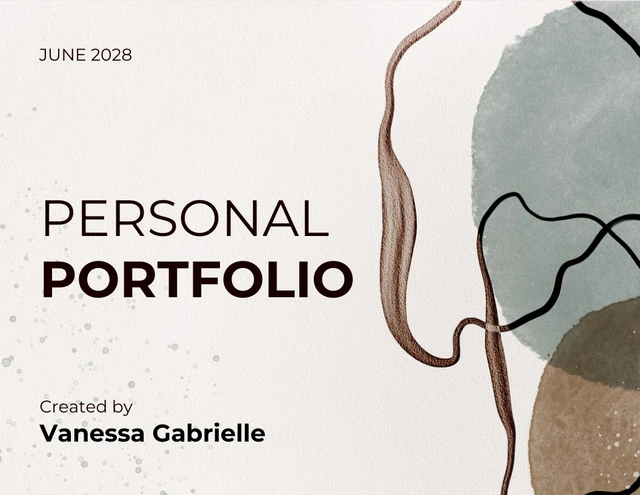

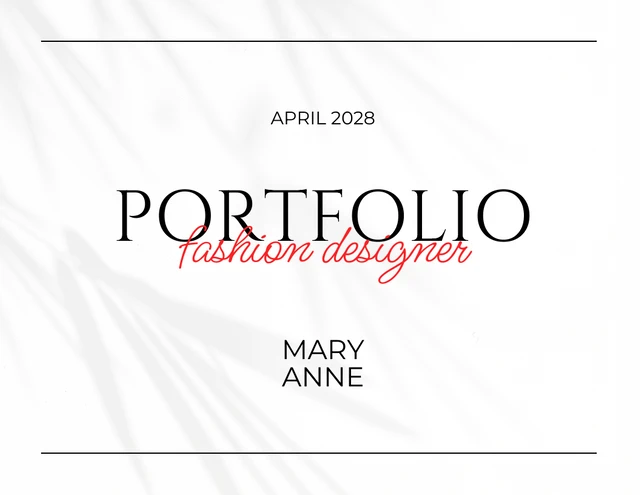
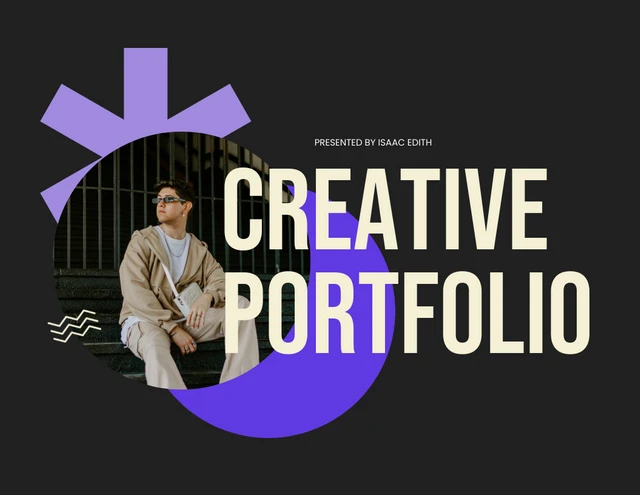

Popular AI Design Generators
Sample Prompts You Can Modify and Use
“Generate a portfolio for a graphic designer. Include a cover page, short bio, three case studies with problem, process, and outcome, a skills page, and contact details. Use a minimalist black and white layout.”
“Create a freelance writing portfolio of published articles, grouped by industry (tech, finance, healthcare). Include client logos, key metrics, and one short testimonial per industry.”
“Build a UX design portfolio for a senior product role at a SaaS company. Feature five case studies covering user research, wireframes, prototypes, and outcomes, plus a personal bio and tools page.”
“Generate a portfolio for a recent marketing graduate applying to entry-level positions. Include a cover page, marketing philosophy, four academic campaign projects with briefs, creative samples, and result metrics, and a contact section.”
How to Create an Online Portfolio Using AI
Step 1
Enter a Prompt or Upload a File in Venngage's Online Portfolio Generator
Enter details like your role, industry, target audience, and projects, or upload existing work to generate a personalized portfolio.
Step 2
Generate Your Portfolio Layout
Click Generate to create a professional online portfolio with a cover page, project sections, bio, skills, and contact details.
Step 3
Edit Your Portfolio Using Venngage's Drag-and-Drop Editor
Adjust text, replace images, rearrange pages, and update colors, fonts, and section headers to match your personal brand.
Step 4
Enhance Your Portfolio Using Venngage AI Tools
Use AI Designer to refine layouts, AI Icon Generator to add visuals, and AI Writing Assistant to draft project summaries, bios, and case study copy.
Step 5
Export Your Portfolio From Venngage
Download your portfolio as a PDF for email applications, a PPT for client presentations, or share it with a private link for review.
Send Polished Portfolios to Clients as a Creative Freelancer
As a freelance designer, writer, or photographer, building a portfolio often gets pushed aside because client work comes first. Venngage’s AI Portfolio Generator turns a simple text prompt into a polished, professional portfolio, helping you save time while showcasing your work professionally.
Type your services, target client, and best projects to generate a structured portfolio with a cover page, case studies, services, testimonials, and a contact section. Apply your Brand Kit and export as a PDF or PPT to share with clients.
Generate Online Portfolios