


Free AI Letter Generator
Write better letters faster — for job seekers, businesses, and teams




Browse Through More Letter Templates
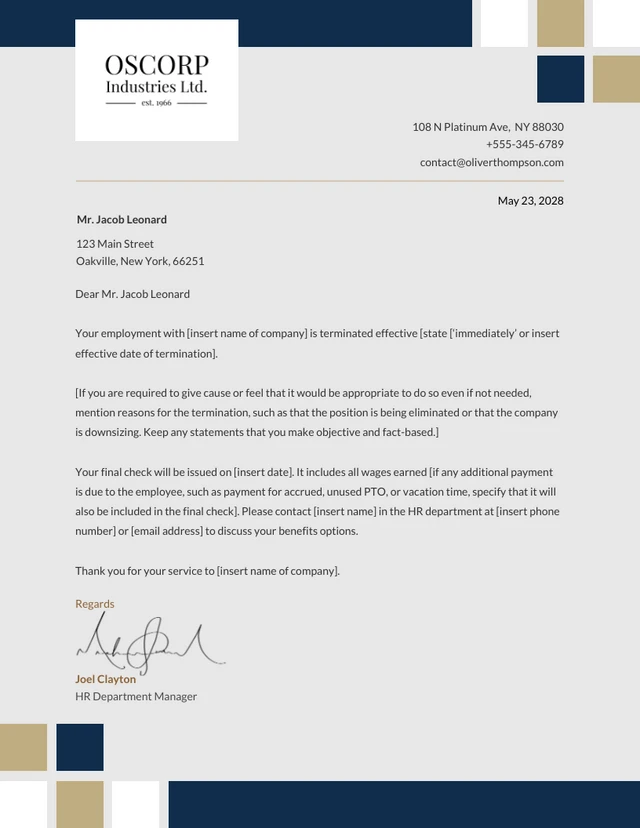
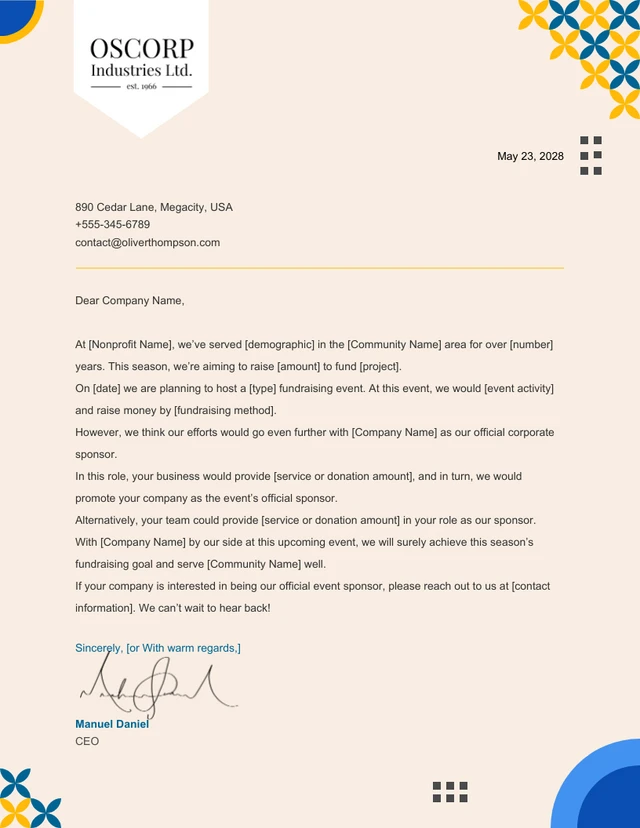
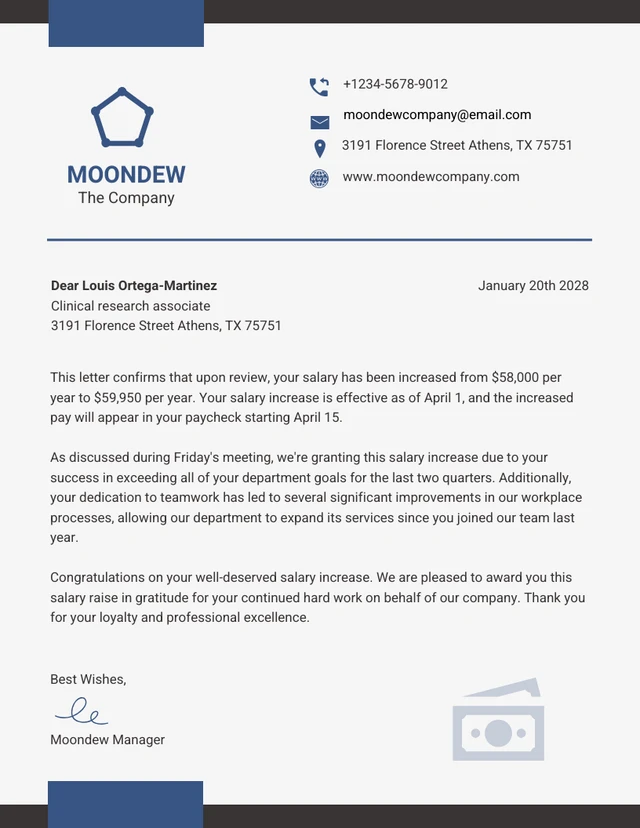
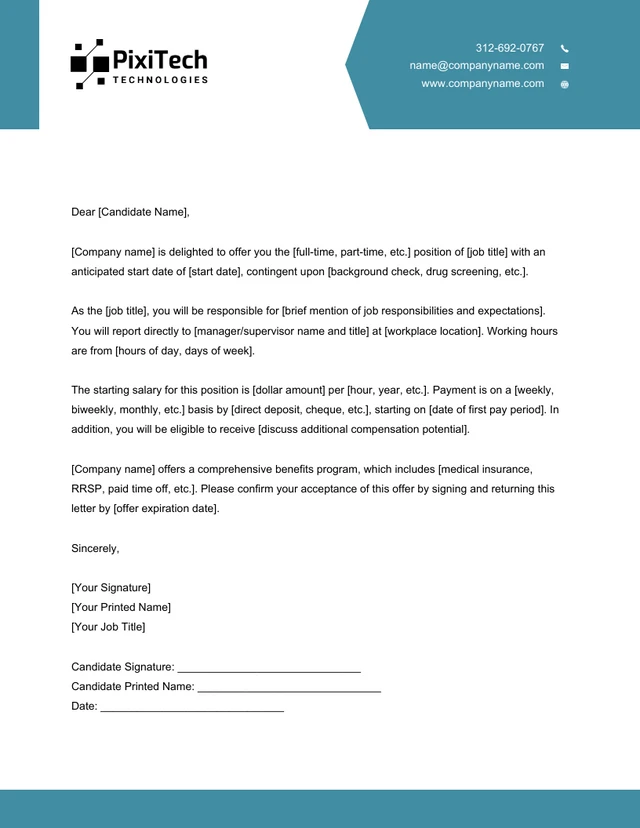
Popular AI Design Generators

Sample Prompts You Can Modify and Use
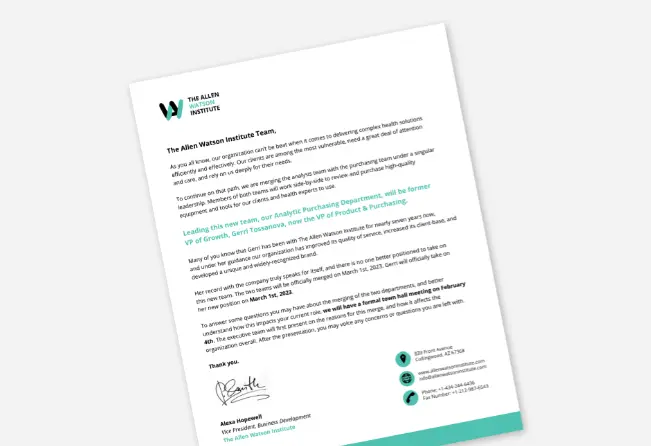
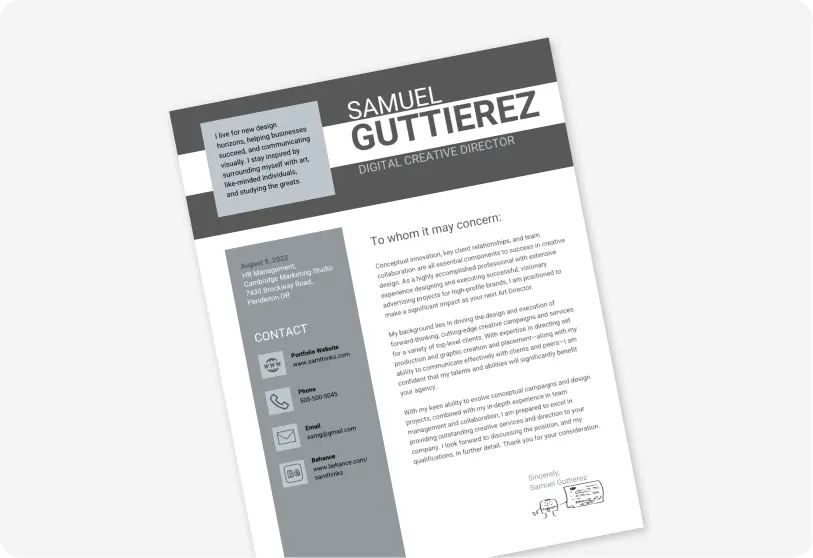
“As a career coach writing on behalf of a recent marketing graduate, write a cover letter for a junior content writer role that highlights transferable skills and academic projects, in 3 concise paragraphs.”
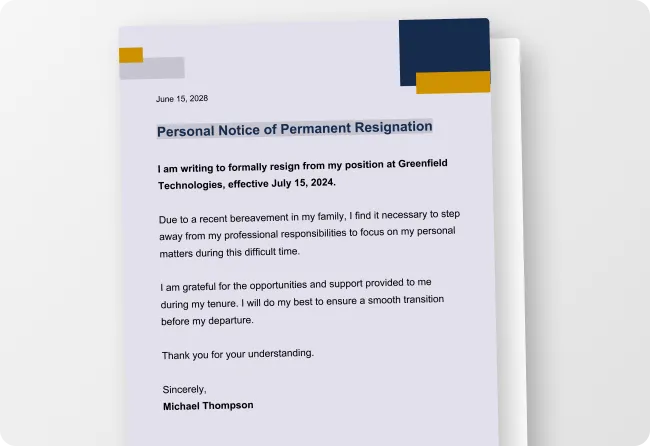
“Write a professional two weeks notice resignation letter from a mid-level account manager to their direct supervisor. The tone of theletter should be grateful, forward-looking, and free of grievances, in 2–3 short paragraphs.”
“Write a formal partnership request letter from an early-stage logistics startup to a mid-sized retail chain, making a clear case for mutual benefit and proposing a next step, under 250 words.”
“Write an academic appeal letter from a university student requesting grade reconsideration after missing final exams due to a documented medical emergency. Be respectful, factual, and support the letter with a clear timeline of events, in 2–3 paragraphs.”
How to Write a Letter Using AI
Step 1
Describe Your Letter in the Prompt Field
Type your request, including the letter type, recipient, your role, tone, and goal. For example: Write an ATS-friendly cover letter for a senior marketing manager applying to a SaaS company, confident and results-focused or Write a two weeks notice resignation letter, professional and grateful, under 200 words.
Step 2
Generate Your Letter Using Venngage's AI Letter Generator
Click generate and let Venngage's AI Letter Generator produce a complete, structured letter — a persuasive salary negotiation letter, a polite formal complaint letter, a heartfelt thank you letter after an interview, or a professional letter of recommendation — matched to your prompt in seconds.
Step 3
Refine Your Letter Using the AI Design Tools
Use Venngage's AI tools to adjust the tone, rewrite a paragraph, or make the letter more formal or conversational without starting over. Type instructions like telling it to make this more persuasive, shorten one, or make the opening line stronger and the AI applies the changes instantly.
Step 4
Edit Your Letter Using Venngage's Editor & Brand Kit
Use Venngage's drag-and-drop editor to adjust typography, spacing, and professional letter formatting with ease. Use the Brand Kit to add your company fonts, colors, and logo — essential for business proposal letters, client thank you letters, and corporate formal letters.
Step 5
Export and Send Your Finished Letter
Download your completed letter as a print-ready PDF or PNG, or share it instantly via a private Venngage link for team review or client approval. Attach it directly to a job application as an ATS-friendly cover letter, send it as a formal letter via email, or print it for mailing.
Write a Cover Letter for a Job Application as a Job Seeker
Found the perfect role but dreading the cover letter? Venngage's AI Letter Generator writes a personalized, ATS-friendly cover letter from one prompt. Describe the job title, company, and your key skills, then download as a PDF and attach to your application in minutes.
Perfect for when a generic cover letter won't cut it but there's no time to write a tailored one from scratch.
Generate Letters