


Free AI Healthcare Marketing Generator
Generate patient education brochures, service line one-pagers, clinic flyers, and health awareness posters from text prompts.




Browse Through More Healthcare Marketing Templates
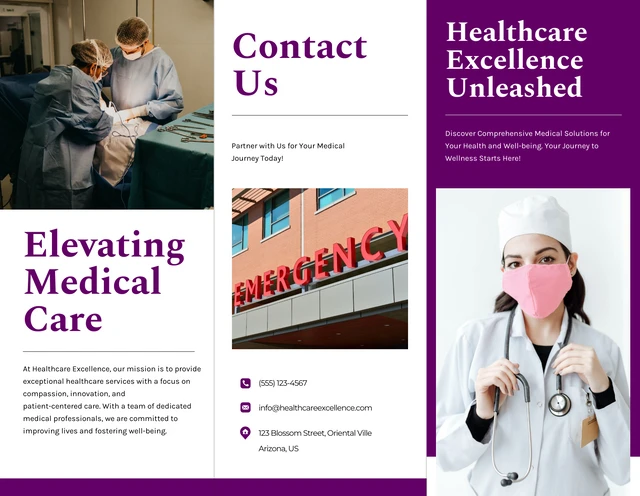
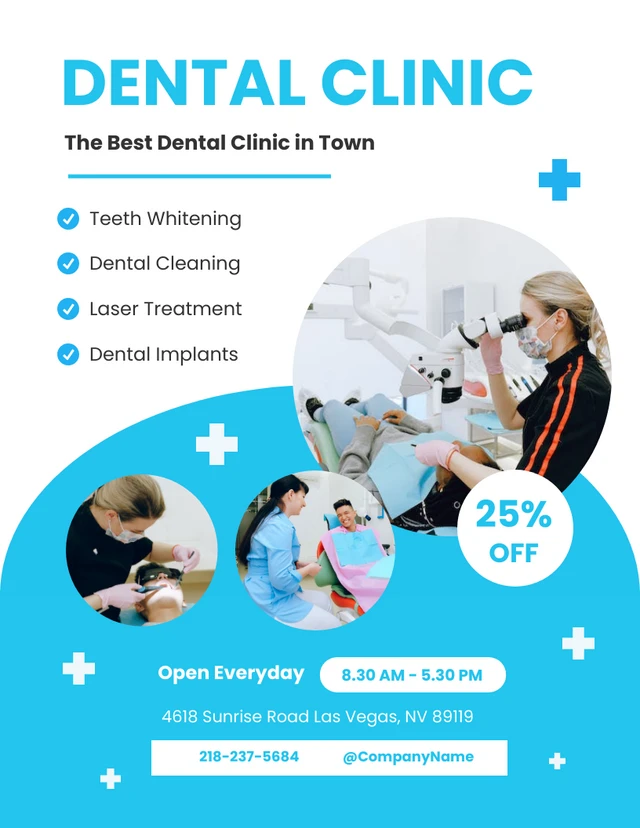
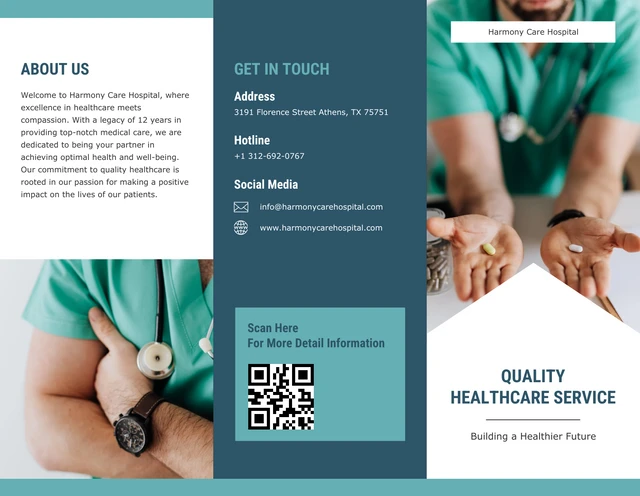

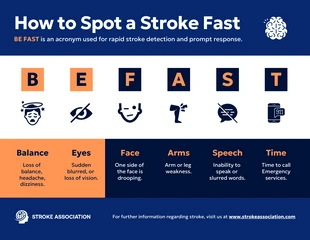


More Marketing Generators
Sample Prompts You Can Modify and Use
“Design a flyer for our new orthopedic sports medicine program targeting active adults aged 35 to 60. Include sections for conditions treated, treatment approach, provider credentials, and how to schedule a consultation.”
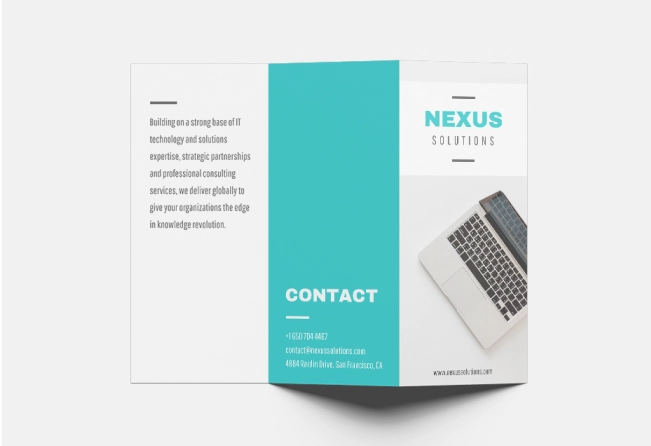
“Create a trifold patient education brochure for a family medicine clinic explaining flu vaccine recommendations for adults. Organize the content into who should get vaccinated, what to expect at the appointment, and how to schedule. Add space for clinic branding.”
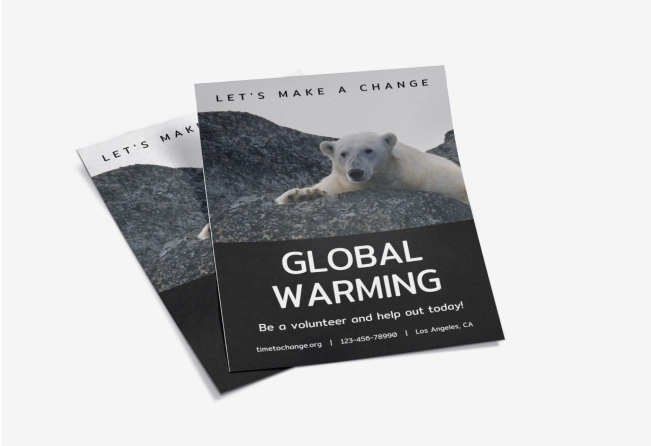
“Design a Breast Cancer Awareness Month poster for a community health center promoting free mammogram screenings throughout October. Include screening eligibility, appointment instructions, and contact details.”
“Generate a grand opening flyer for a new pediatric dental clinic in Austin, Texas. Include the opening date, address, free services offered on opening day, parking information, and a QR code placeholder for appointment booking.”
How to Create Healthcare Marketing Designs Using AI
Step 1
Enter Your Healthcare Brief or Upload a File in Venngage
Describe the healthcare content you want to create, like patient awareness campaigns, wellness programs, or service launches. Upload an existing document or draft to reuse your content and generate a new design.
Step 2
Generate Healthcare Marketing Design
Venngage’s AI Healthcare Marketing Generator creates a first draft with structured sections, clear layouts, headlines, medical icons, and visuals. Add your audience, specialty, format, and channel to personalize your design.
Step 3
Refine the Copy and Add Patient Details
Edit text blocks with your provider details, contact information, and key messages. Use Venngage’s AI Writing Assistant to simplify medical content and make patient communication easier to understand.
Step 4
Customize Images and Medical Visuals
Upload provider photos, facility images, or equipment visuals to personalize your design. Choose from Venngage’s stock library, medical icons, and illustrations to create materials for different specialties.
Step 5
Apply Brand Kit and Export The Design
Use Venngage’s Brand Kit to add your logo, colors, and fonts across your healthcare designs. Export your final design for social media, email newsletters, patient portals, or digital displays.
Design Clinic Flyers and Patient Handouts as a Clinic Owner
Creating clinic flyers and patient handouts often falls on teams without design experience. Every update, instruction sheet, or announcement takes time to write, format, and prepare.
Venngage’s AI Healthcare Marketing Generator helps you generate flyers and patient handouts without any design skills. Write a text prompt, and you'll get a ready-to-edit design.
Generate Healthcare Marketing Designs