


Free AI Estimate Generator
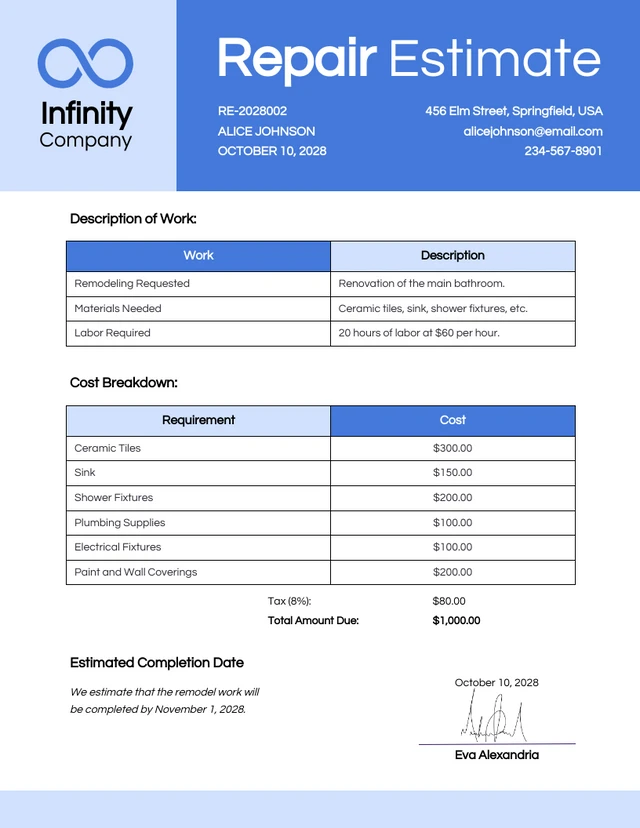
Enter your project details and pricing, and generate a professional estimate with itemized costs in seconds.
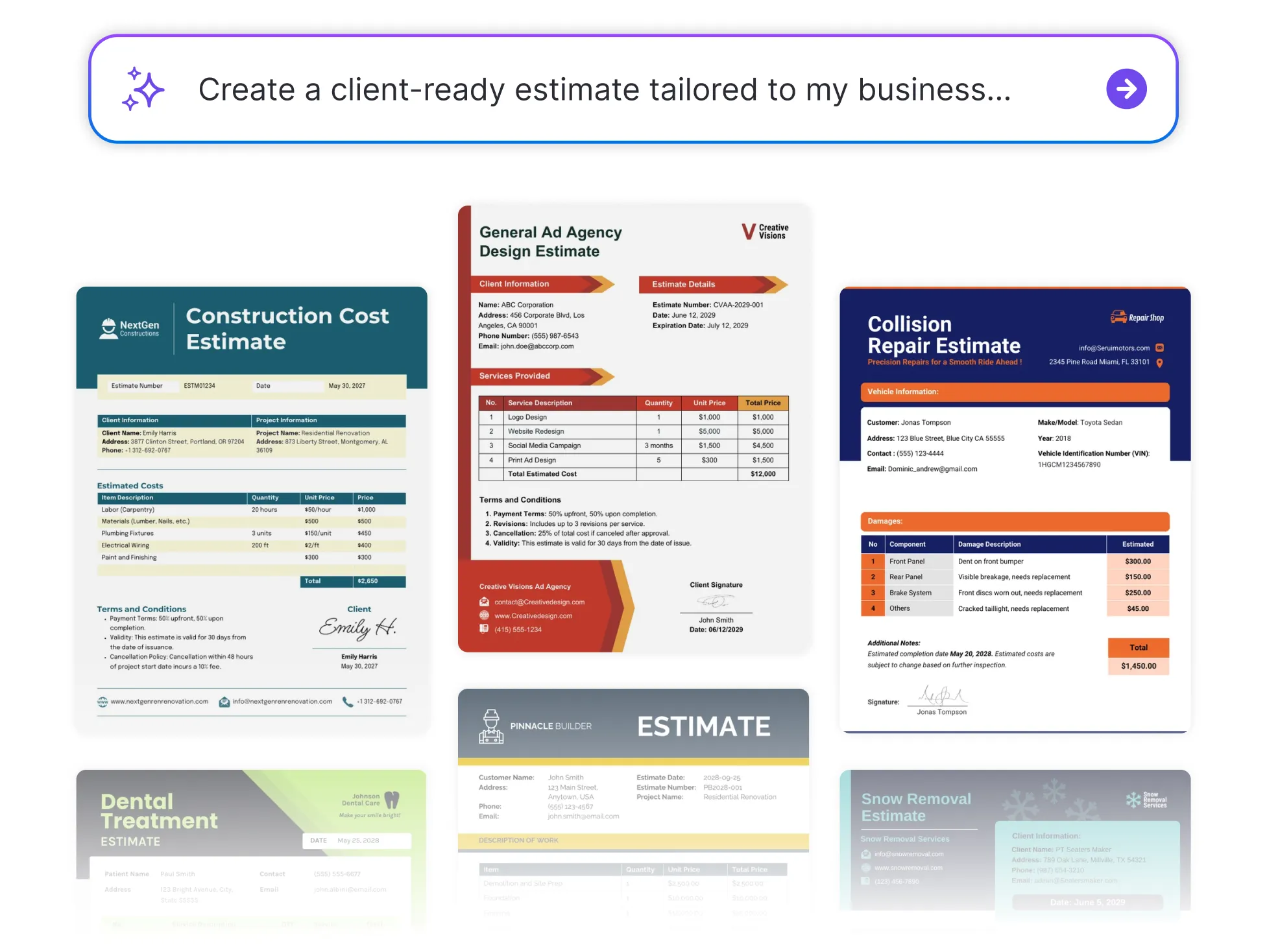




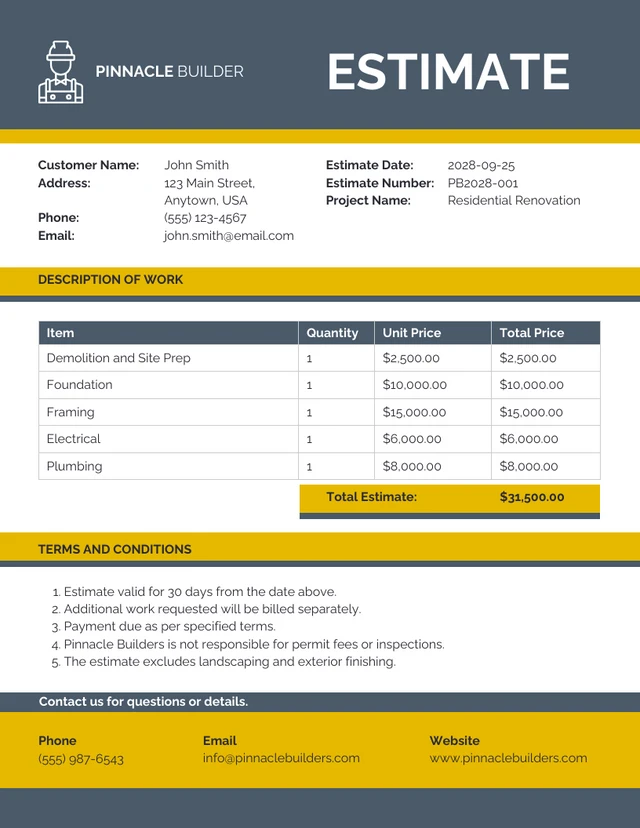
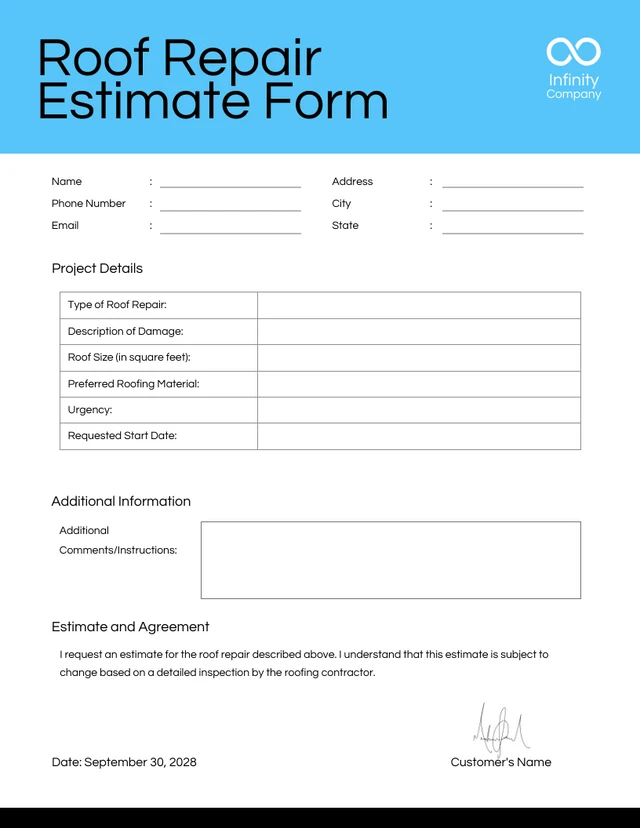
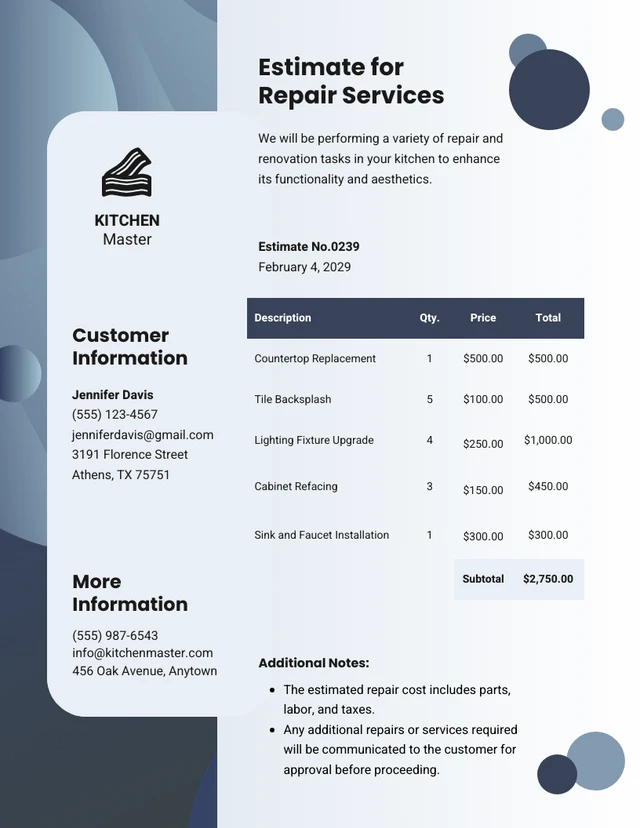
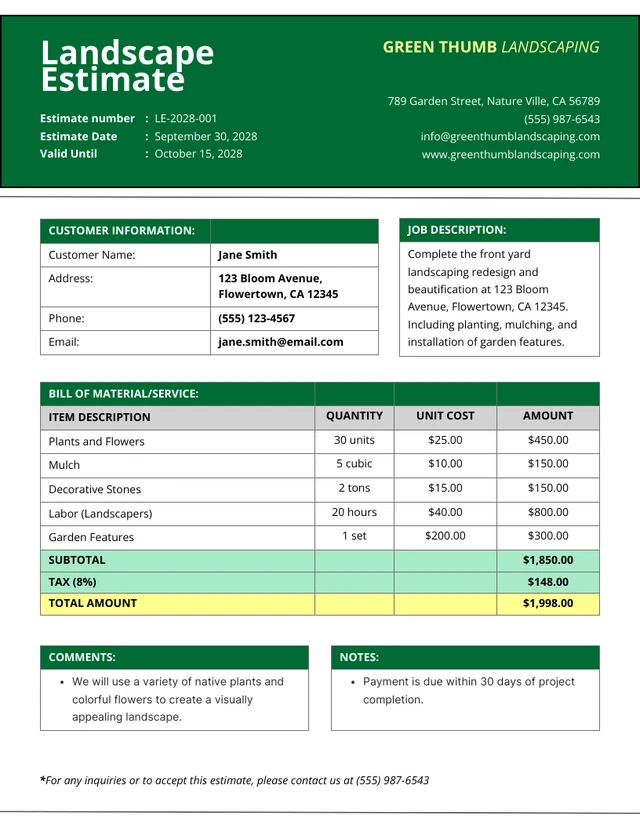
Browse Through More Estimate Templates
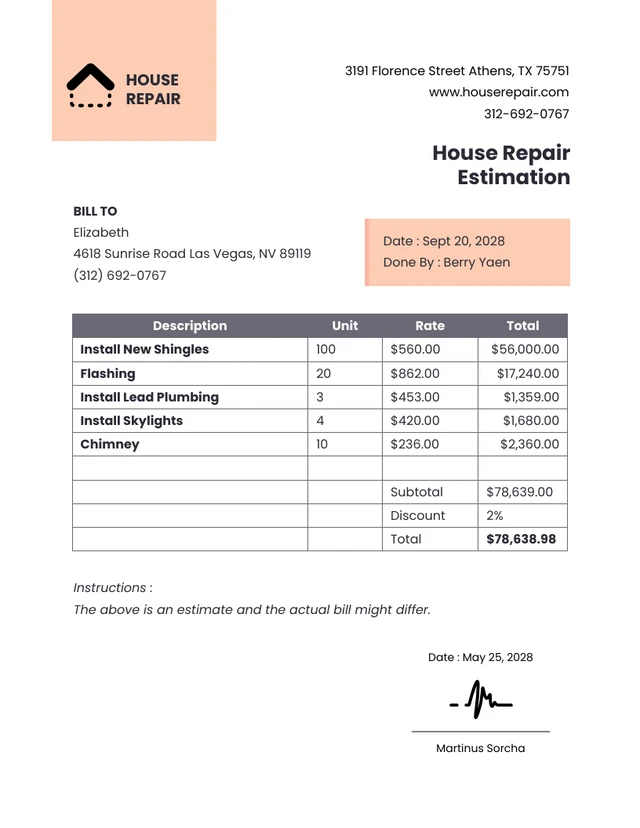
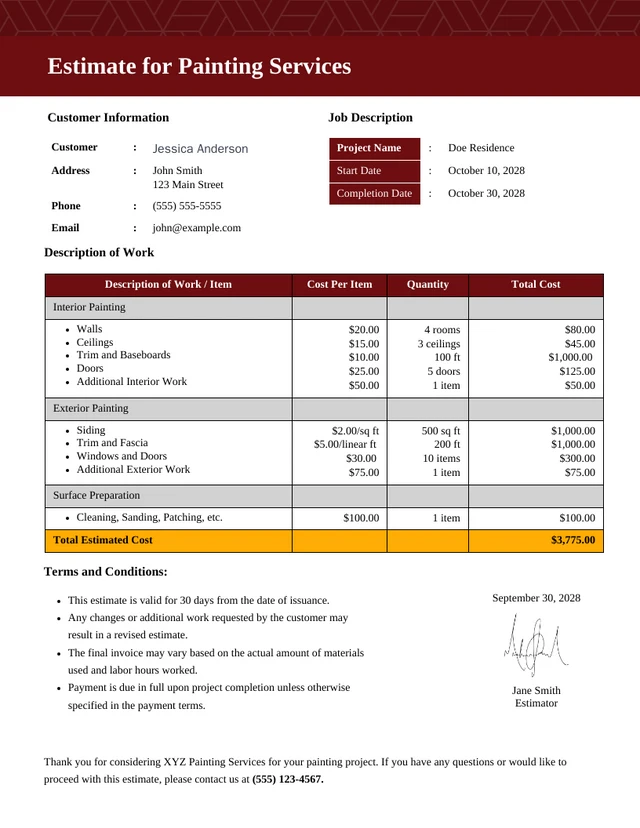
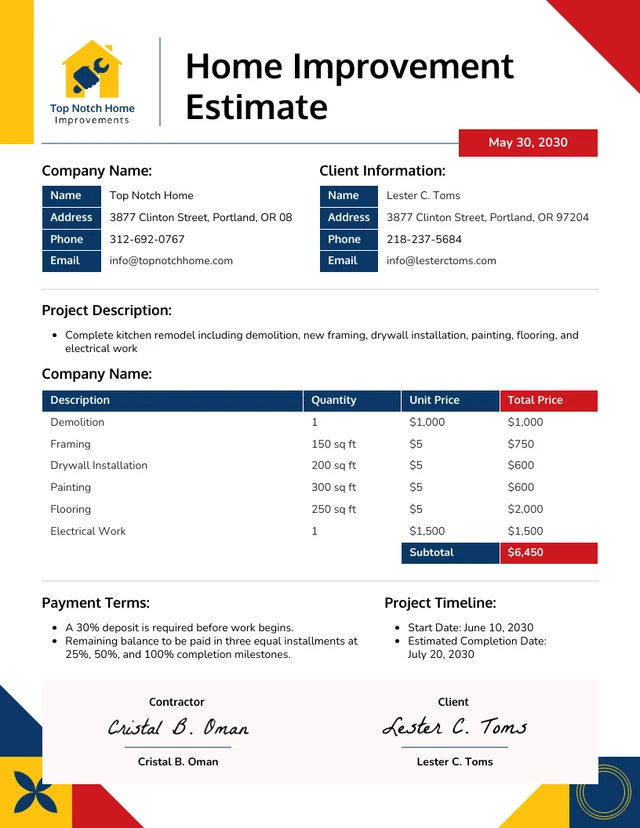
Popular AI Design Generators

How to Write an Estimate in Under 5 Minutes
Step 1
Add Your Business Information
Enter your project scope, services, line items, and pricing. Include any materials, labor, or additional costs to generate a more accurate estimate.
Step 2
Generate a Professional Estimate With AI
Venngage’s AI Estimate Generator creates a structured estimate with itemized costs and organized sections. Review every line item, quantity, and rate.
Step 3
Customize Your Estimate Design
Use Venngage’s drag-and-drop editor to update text, adjust colors, and change fonts. Apply your Brand Kit and include your logo to keep every estimate consistent.
Step 4
Refine Your Estimate With AI
Use AI to add charts, generate custom visuals, and enhance your estimate with supporting content. Make complex pricing and project details easier for clients to understand.
Step 5
Download or Share Instantly
Export your finished estimate as a PDF, share it with clients, or save it as a reusable template for future projects and proposals.
Send Estimates Faster as a Contractor
Sending estimates quickly can help you win more contracts. But manually calculating labor, materials, markup, and project costs takes time, especially after a full day on-site.
Venngage's AI Estimate Generator turns your project details into a professional estimate. You can fine-tune pricing, edit line items, and add your logo and brand colors in the drag-and-drop editor.
Generate My Estimate Now