


Free AI Discord Banner Generator
Create custom Discord banners for gaming servers, profiles, and communities, without awkward cropping.




Browse Through More Banner Templates
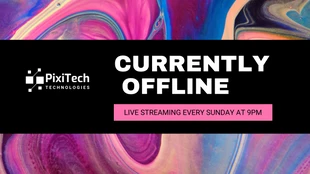
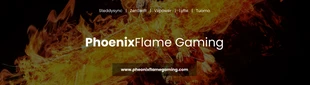
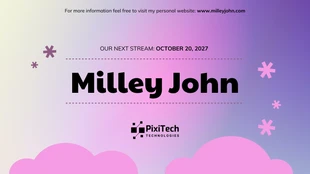
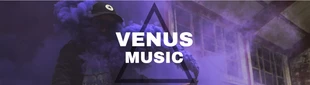
Popular AI Design Generators
Sample Prompts You Can Modify and Use
“Create an anime-style Discord banner for a server called Neo Haven. Use a nighttime Tokyo street background with neon signs, purple-blue lighting, and bold glowing text for the server name. Keep enough empty space for the Discord overlay.”
“Design a Discord gaming banner for a clan called Void Raiders. Use a dark fantasy background with lightning effects, glowing red accents, and a powerful character silhouette in the center. Add the clan name in bold modern typography.”
“Create a Discord profile banner for an anime community called Sakura Syndicate. Use a cherry blossom background with soft pink lighting, anime-style clouds, and clean white text for the server name.”
“Generate a cyberpunk Discord banner for a server called Pixel District. Use a futuristic city background with neon pink and blue lights, holographic signs, and glowing typography with a dark gaming aesthetic.”
How to Create Discord Banners Using AI
Step 1
Describe Your Discord Banner Style
Enter your banner type, server theme, community name, and preferred style. Add style, such as gaming, anime, lofi, minimal, or cyberpunk themes.
Step 2
Generate the Discord Banner Design
Click generate. Venngage’s AI Discord Banner Generator creates a custom banner with layouts, colors, typography, and visuals based on your prompt.
Step 3
Edit the Copy and Customize the Layout
Use the AI Writing Assistant to rewrite the tagline or refine the tone. Click any text block to replace placeholder copy with your actual Discord server name, handle, schedule, or tagline.
Step 4
Add Your Logo, Avatar, or Custom Visuals
Upload your avatar, logo, gaming artwork, or creator graphics. Use Venngage’s AI Image Generator to create custom backgrounds, icons, and visuals that match your Discord style.
Step 5
Apply Your Brand Kit and Export
Load your Brand Kit to apply your colors, fonts, and logo. Export the banner as PNG or JPG, sized to Discord's banner spec and upload to your profile, server, or invite page.
Design a Discord Server Banner as a Server Owner
Discord banners can get cropped awkwardly after upload. Server overlays may cover parts of your design, logos placed near the edges can disappear on mobile, and text can lose clarity after resizing.
Venngage’s AI Discord Banner Generator creates banners designed for your server from a simple prompt. Enter your theme, colors, and text to generate a first draft, then customize the logo, fonts, graphics, and layout in the editor.
Generate Discord Banners